
Byte-exact copies
Every file is copied byte for byte through your system's own fast paths, and cloned instantly on drives that support it. Pause, resume or cancel any job, and decide before it starts what happens when a file already exists.
 Freally File Manager
v1.0.0 is done
A desktop file copier for Windows, macOS and Linux, with checksum verification, resume after a crash, two-way sync, undo and its own file server. No account, no telemetry and no AI.
Freally File Manager is free today, but it might not be free forever: future versions may be sold.
There are no downloads yet, and the source code is private.
Copying a big folder with your system's own copy dialog tells you very little: no checksum, no say in what happens to files that already exist, and no way back when the power goes out halfway through.
Freally File Manager is a copier built to be trusted with that job. Drop files on its window, pick a destination, and it copies them through your system's fastest copy path. Switch on verification and it reads every copy back and checks it against the original's checksum.
Around the copier is everything you reach for afterwards: a history of every job with re-runs and undo, checksum tools, two-way sync and live mirroring, snapshots, a built-in file server and a command line for scripts.
Every file is copied byte for byte through your system's own fast paths, and cloned instantly on drives that support it. Pause, resume or cancel any job, and decide before it starts what happens when a file already exists.

Switch on verification and each copy is read back and checked against the original with one of eight checksums, from CRC32 and xxHash3 to SHA-256 and BLAKE3. A mismatch is reported, never hidden.

A journal records how far each copy got. After a crash or a reboot, the part already written is checked and the copy carries on from there instead of starting again.
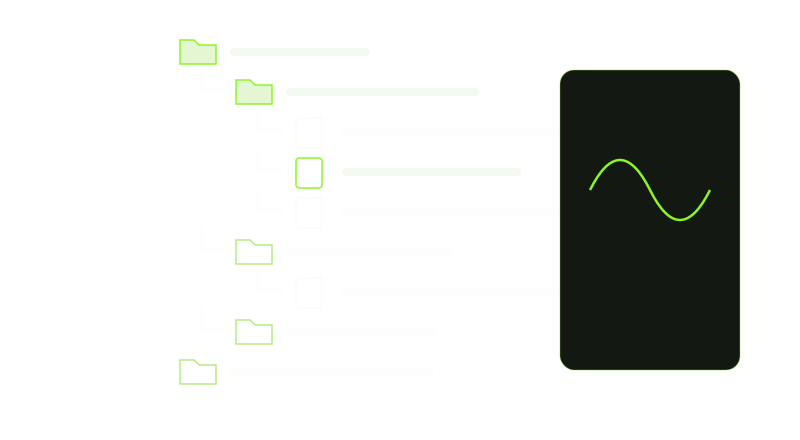
Keep two folders in step in both directions, or mirror one onto the other. A file changed on both sides is a conflict: both versions are kept and you choose.
Every job is recorded. Run it again, retry only the files that failed, or undo the last copy or move: undone copies go to the Recycle Bin or Trash, never straight to deletion.
Hash any file with eight checksums, make and check .sha256 or .sfv files, compare a folder with its copy months later, and export a signed report of what was copied.

Serve a folder to other computers over WebDAV, plain HTTP, an S3-compatible API or SFTP, read-only if you like, behind a password or a token.
No account, no telemetry and no machine learning. Your files go only where you send them, and the daily update check can be switched off.
One line per version, oldest first. Every one of them is done: built, tested and tagged.
v0.19.84DoneThe first release: byte-exact copies with optional verification, resume after a crash, history, two-way sync and live mirror, the file server and the command line, in 18 languages.v0.19.85DoneThe Library: deduplicated snapshots you can back up, compare and restore, and repositories you can bring in from or export to restic, Borg and Kopia.v0.20.0DoneSafety nets: undo the last copy or move, delete to the Recycle Bin or Trash, retry only the files that failed, checksum files, and eject a drive when a job is done.v0.22.0DoneHashing, reports and scheduling: a hash inspector, signed copy reports, re-verify, damaged-media salvage, schedules, favourites, portable mode and accessibility.v1.0.0DoneThe correctness release: a full review of the code, section by section, and every fix that came out of it.A version that is done is built and tagged. None of them is a download on this site: there are no downloads here yet.
Checking a copy means reading it a second time, so it is a setting rather than the default. Choose a checksum in Settings → Transfer, and every copy after that is checked.
It cannot securely shred files, and it cannot copy to cloud storage. Settings already has a place for both, but neither is wired up in version 1.0.0.
Copying between your own drives, verifying and deleting make no network requests. It goes online for what you set up, such as the file server or testing a cloud account, and to check for updates when it starts, at most once a day, which you can switch off in Settings → Updates.
No installer, no preview build and no download link on this site. When that changes, this page will say so.
The changelog lists everything that changed in Freally File Manager, version by version, in all eighteen languages.
 Freally MIDI Master
 Freally Flipcopy
 Freally Oscillate
 Freally Unloop
 Freally Handscore
 Freally Takelight
 Freally Sourcerer
 Freally Teleprompt
 Freally File Manager
 Freally Capture