
The copier
A photoreal copy machine rendered in Blender. Put a clip on the glass and it prints the real thing: every note, or the real waveform, with its tempo, length and levels.
 Freally Flipcopy
v1.0.0-beta is done · v1.0.0-rc is next
Audio in, MIDI out. MIDI in, audio out. Free, offline and 100% AI-free.
Freally Flipcopy is free today, but it might not be free forever: future versions may be sold.
There are no downloads yet, and the source code is private.
Turning a loop into MIDI, or a MIDI file into audio, usually means a chain of tools, an export, a re-import and a lot of guessing about what came out.
Flipcopy is a copy machine. Put an audio file or a MIDI file on its glass and it prints the original — the real waveform, or every note, with its data. Press the green START and it prints the copy in the other form: audio in, MIDI out; MIDI in, audio out.
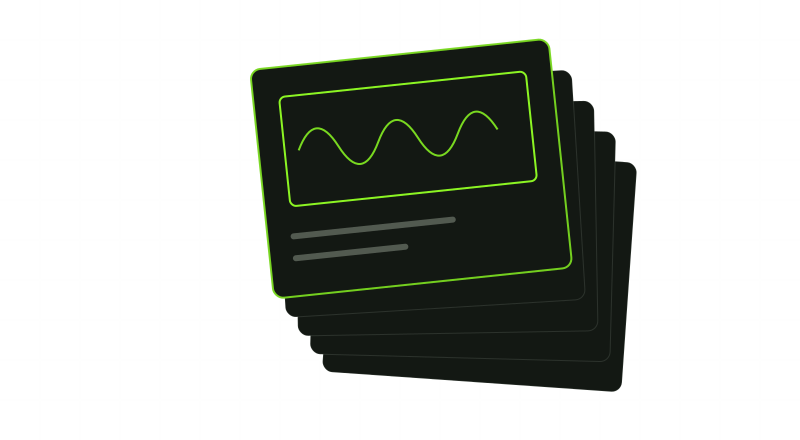
The copy comes out as a printed page with a lime-green frame around its clip. Grab the frame and drag it onto a track in your DAW. Every copy is a real file that stays where it is, so your project never loses it.
The copier, rendered in Blender: the original lands on the glass, the lid closes, the lamp sweeps, and the copy slides out onto the tray.
A photoreal copy machine rendered in Blender. Put a clip on the glass and it prints the real thing: every note, or the real waveform, with its tempo, length and levels.
Dropping a clip only places it on the glass. Nothing is copied until you press START, so nothing happens that you did not ask for.
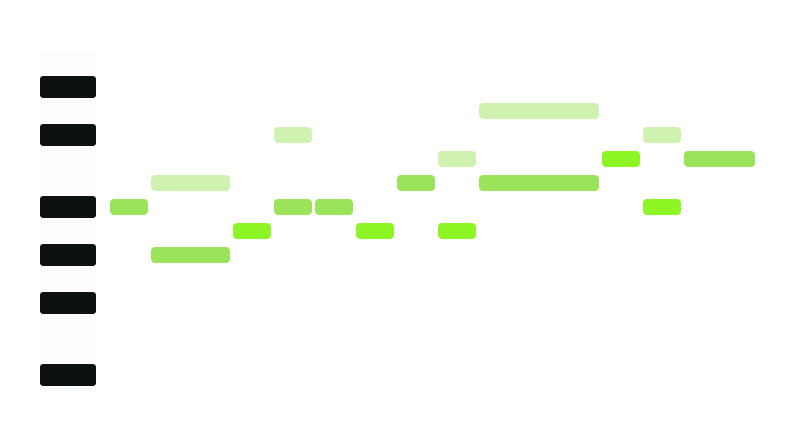
The drums, bass, melody, countermelody and chords found in a loop, one page each, printed back to back from a single scan, so they drag into your DAW as separate tracks.
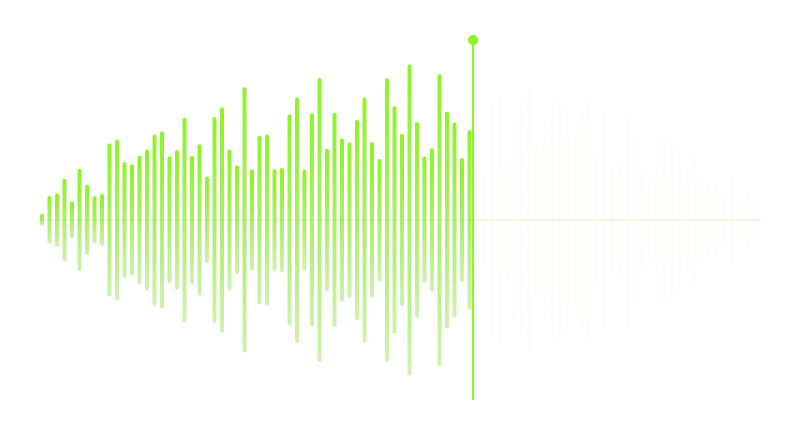
A MIDI file played through a real instrument, and drums through a drum machine, printed as an audio file you can drag.
Every page wears a lime-green frame around its clip. Grab it and drop it on a track. The file is real, and Flipcopy never overwrites or deletes it.
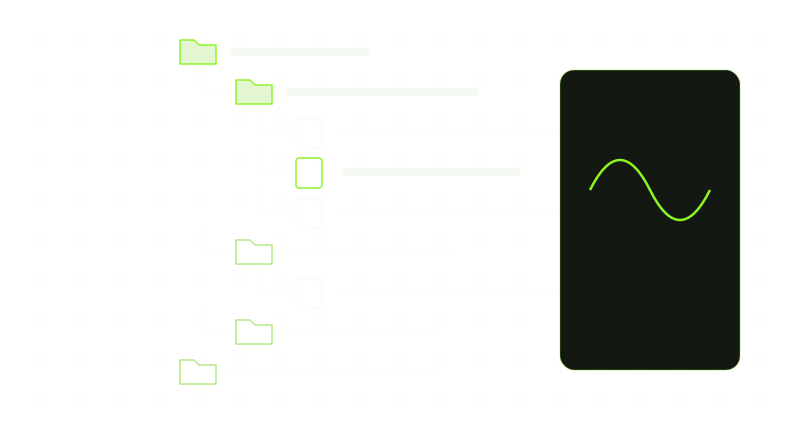
A file browser with a preview player, from Freally Oscillate. It shows a waveform for audio and the notes for MIDI, and plays MIDI through the instrument the copy uses.
CLAP, VST3 and AU, plus a standalone app for working without a DAW and for Pro Tools. Windows, macOS and Linux.
No tier, no account, no telemetry, no network, no model. Classic signal processing, enforced by a build gate rather than promised.
Flipcopy speaks eighteen languages. It starts in your system's language; to choose another, open Settings with the gear at the top of the browser and pick one. The choice applies to every copy of Flipcopy on the computer.
One line per version. This is the same ladder the private plan follows — if one moves, both move, and a build gate compares them.
v0.1.0DoneThe foundation: the plugin loads as CLAP, VST3 and AU and as a standalone app, passes your audio through untouched, asks you to accept its licence, and every quality gate runs.v0.2.0DoneThe copier and the first copy: the machine in the window, the green START, and a MIDI file copied into audio you drag straight into your DAW.v0.3.0DoneAudio to MIDI: drop a loop on the glass, press START, and drag out its drums, bass, melody and chords as MIDI.v0.4.0DoneThe file browser and preview player: find a sample or a MIDI clip, hear it, see it, and drag it onto the glass. Everything essential is here.v0.5.0DoneThe touch screen: copy settings, instruments for your copies, file formats, and the history of every copy you have made.v0.5.5DoneThe Studio: open any copy in a piano roll, change its notes, hear it through any instrument, and print your edit as a new copy.v0.5.7DoneThe mixer and your own instruments: realistic knobs to shape every part, your own drum kits and samples, favourites, and one instrument library shared by every Freally app.v0.5.9DoneLight mode: a modern, sleek light mode in Freally green beside the dark one, with the same realistic hardware in both.v0.6.0DoneIn every DAW: saved with your project, a scan straight from the track, any file dragged from the browser onto a track, and eight copiers at once.v0.7.0DoneThe standalone at full strength: one window at a time, back where you left it, the output you choose, and a file opened with it lands on the glass. Tested in WebKit, the engine of macOS and Linux, and Settings in sections.v0.8.0DoneCloser copies, drums on named lanes and a lens on every page, a machine that knocks and casts a shadow, every copy at full speed, and every file reader tested against damaged files.v1.0.0-betaDoneHardened: the round trip — render a MIDI file to audio, drag the page back onto the glass, press START, and it is MIDI again — and Vocal line for a sung part. An update check that stays off until you say yes and only tells you a new version is out. A Windows setup and a Linux install.sh. Every edge case tested, every step reachable from the keyboard, and all 18 languages checked. Still nothing to download before 1.0.0.v1.0.0-rcPlannedThe release candidate: every file reviewed and every host tested by hand.v1.0.0The goalThe release — and the first downloads this site has ever offered.v1.1.0LaterThe document feeder: copy a whole folder in one go.v1.3.0LaterScore copies: MusicXML and a staff-notation print.v1.4.0LaterBridges to the other Freally products.v1.5.0LaterPro Tools as a plugin (AAX), if Avid's terms allow it for a free product.v1.6.0LaterGroove copies, and rough, AI-free stem copies.A version that is done is built and tagged. It is not a download: there are none, and there will not be until 1.0.0.
Finding notes in a finished mix is hard, and Flipcopy does it with classic signal processing rather than a model. It will miss some notes and hear some that are not there. It prints what it found, and says what it could not do.
A chord part is printed as the progression it follows, not the exact voicing that was played, and the page says so in so many words.
Every accuracy figure is a floor each build must hold, measured on a test set of 30 loops, stems and MIDI files: a piano line read back, 96 % of its notes; chord roots, 75 % of the bars; a lead vocal’s line, 99 % in its key. An MP3 still reads a little differently from its WAV, and a pad’s soft chords are not read yet.
No beta on this page, no preview build, no early access. A copier that half-works is worse than one that is not there yet.
The plugin and the standalone app contain no networking code at all, and a build gate fails if any is added. The one exception is an update check that is off unless you say yes: a separate program reads one public file, and Flipcopy only tells you a new version is out.
The changelog lists everything that changed in Freally Flipcopy, version by version, in all eighteen languages.
 Freally MIDI Master
 Freally Flipcopy
 Freally Oscillate
 Freally Unloop
 Freally Handscore
 Freally Takelight
 Freally Sourcerer
 Freally Teleprompt
 Freally File Manager
 Freally Capture